Entering feet, inches and fractions
You type a dimension the way you would say it out loud: whole feet, then inches, then the dash key before a fraction. The display follows every key, exactly — nothing is rounded.
Step by step
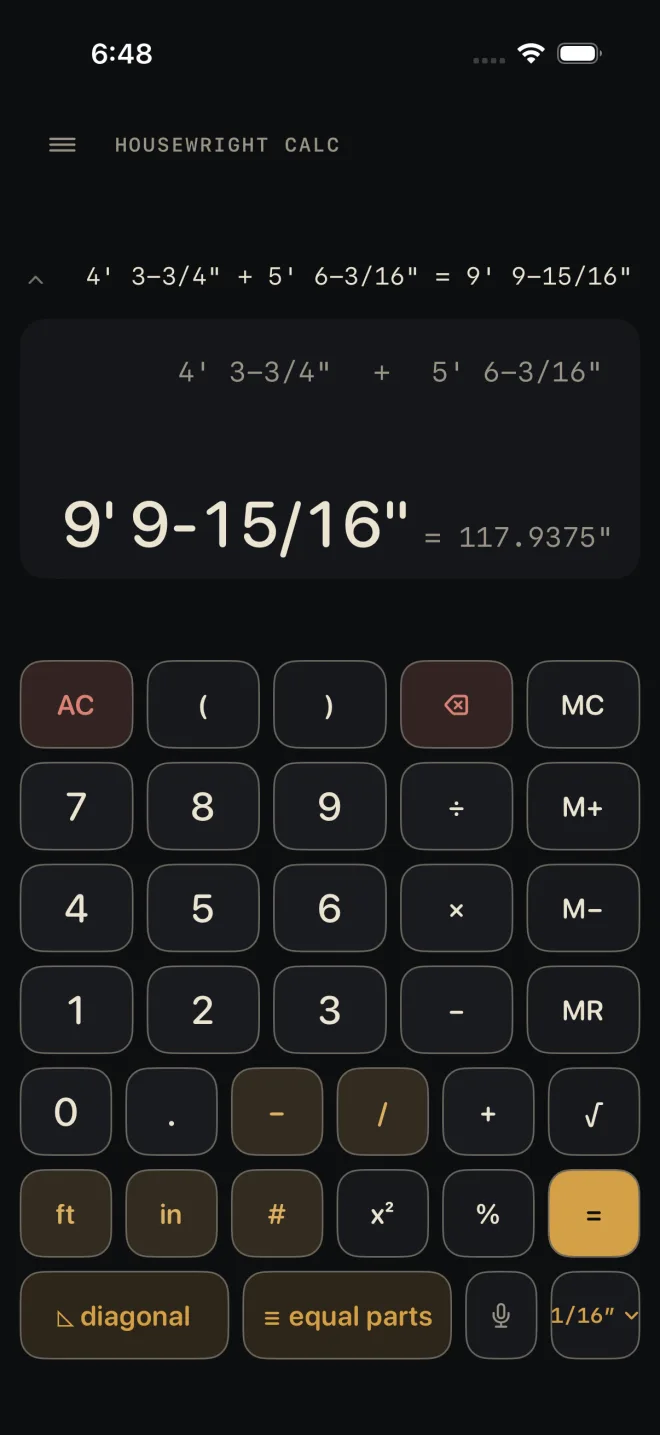
Five feet, three and a half inches is these eight keys:
 1
2
3
4
5
1
2
3
4
5
- 5 then ft — the whole feet.
- 3 — the whole inches.
- – the dash key. It says "the fraction starts here".
- 1 / 2 — the fraction.
- in — closes the dimension. The display reads 5' 3-1/2".
After feet or a fraction the in key is optional. You can go straight to + or = and the entry is read the same way.
A number with no unit
A number typed with no ft, no in and no fraction is read as inches: 3 6 + is 36". A fraction on its own is inches too — 3 / 4 is 3/4".
The one exception is the number after × or ÷. Once the sum has a real dimension in it, that number is a count: 12' 6" ÷ 4 divides into four. The # key says "this is a plain number, not a length" wherever it sits. Type the digits, then #. See Parentheses and memory for how × and ÷ treat lengths and counts.
Decimals
The . key types a decimal into a whole number: 4.5 then ft is four and a half feet. A decimal cannot take a fraction — the dash and slash keys do nothing after a decimal point.
The ft and in keys after an answer
With a length answer on the display and nothing being typed, the unit keys switch how that answer is shown. in shows it in inches only, ft puts it back to feet and inches, and . shows decimal feet. The value does not change, only the way it is written. The calculator keeps your choice for later answers.
The precision chip
The chip at the bottom right of the keypad — it reads 1/16″ to start — sets the fraction answers are shown to. Tap it and pick from Nearest 1/2″ down to Nearest 1/64″. The same menu has the format: Feet & inches, Inches only or Decimal feet. The math underneath stays exact. When an answer does not land on the fraction you chose, the display marks it with ≈.
Common mistakes
- Leaving out the dash before a fraction. When the top number is as big as the bottom one the calculator catches it and tells you. It cannot catch 1, 1, /, 1, 6 — that is a good fraction, 11/16", when you meant 1-1/16". Read the display before you press the next key.
- Typing feet as a bare number. 8 with no ft is eight inches.
- Typing a wrong digit and clearing everything. You do not have to — see The tape and fixing a number.